Water Drop Icon on Samsung Phones: What It Means and How to Fix It
Learn why a moisture warning appears on Samsung USB-C ports and discover safe, manufacturer-approved methods to dry your smartphone.
 💼Economy
Photo: UNIAN
Key points
- The moisture warning disables wired charging to protect the phone's internal circuits.
- Rice is not recommended for drying due to dust and starch risks.
- Wireless charging remains a viable alternative if the outer phone surface is dry.
Modern mobile devices feature advanced built-in safety measures designed to protect sensitive electronics from accidental liquid damage. Users of Samsung smartphones occasionally notice a water drop notification on their screens, which temporarily disables wired charging to prevent electrical shorts when moisture is detected in the USB-C port.
Why the Protection Mechanism Triggers
Although many Galaxy models boast an IP68 dust and water resistance rating, the hardware is not completely impermeable. High humidity, spilled beverages, or internal condensation can still compromise electronic components over time. To prevent permanent failure, the system automatically blocks power input through the charging port while still allowing wireless charging if the exterior is dry.
Safe Drying Techniques to Follow
Tech experts strongly advise against placing a wet phone into a bowl of raw rice, a common myth that often leads to starch buildup and port blockage. Instead, proper steps should be taken to clear the moisture:
- Wipe the device gently with a clean, dry cloth.
- Hold the phone with the charging port facing downward and shake it gently 5 to 10 times.
- Place the smartphone in a well-ventilated area or use a cool fan breeze to dry it.
Never use a hair dryer with hot air, as excessive heat can melt internal plastic components. If the alert persists after 24 hours, the issue might stem from a software sensor glitch, which can sometimes be resolved by clearing USB settings cache or switching the charging cable.
Source UNIAN — unian.ua/techno/gadgets/samsung-blokuye-zaryadku-shcho-oznachaye-zn… ↗
Read next
 🎭Culture & Sport
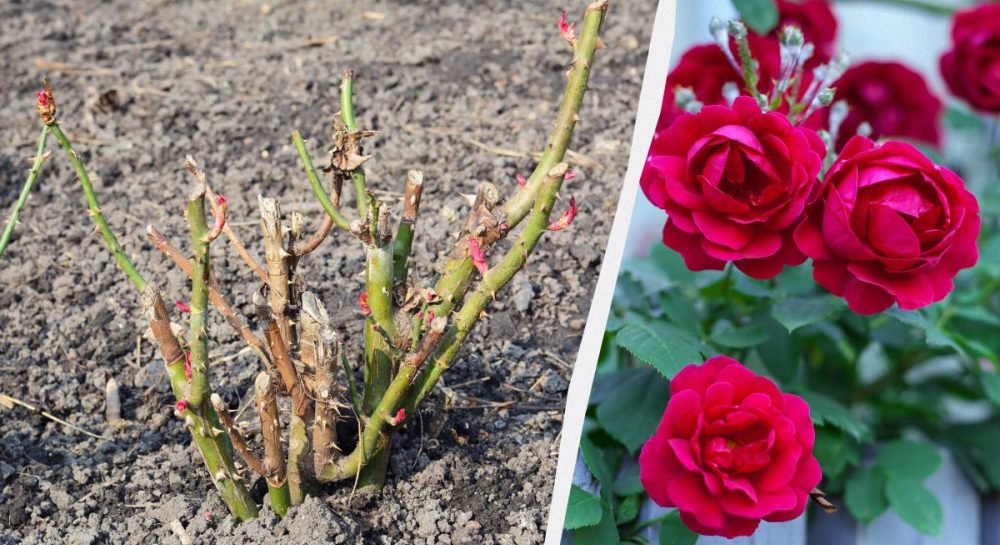
Autumn Rose Care: Tips for Gardeners in Marhanets
Experts explain why it is best to avoid radical pruning of roses until steady cold weather arrives.
 🇺🇦Ukraine
Estonia comments on incident involving Russian vessel in Gulf of Finland
Estonian Foreign Minister Margus Tsahkna stated that the strike on a Russian cargo ship is a consequence of Ukraine's right to self-defense.
 🛡️Security
Elderly woman rescued from rubble in Dymer: death toll rises
Search and rescue operations continue in the Kyiv region following a drone strike on a residential building. An 89-year-old woman was saved, but the death toll has risen …
 🚌Transport
Russian corvette 'Mercury' damaged in Libya: potential Ukrainian drone attack
A Russian warship sustained significant damage in Benghazi following an explosion, with international reports suggesting a potential strike by Ukrainian maritime drones.
 🎓Education
Russia tests NATO defense algorithms through airspace violations
Military experts point to systematic attempts by the Russian Federation to test the Alliance's reaction speed to threats near Ukraine's borders.
 💡Tech
Awakening ancient bacteria: scientists study risks of permafrost thawing
Researchers from the University of Colorado have discovered that microorganisms dormant for 40,000 years are capable of active growth after thawing.